Plain-text ownership, not export anxiety
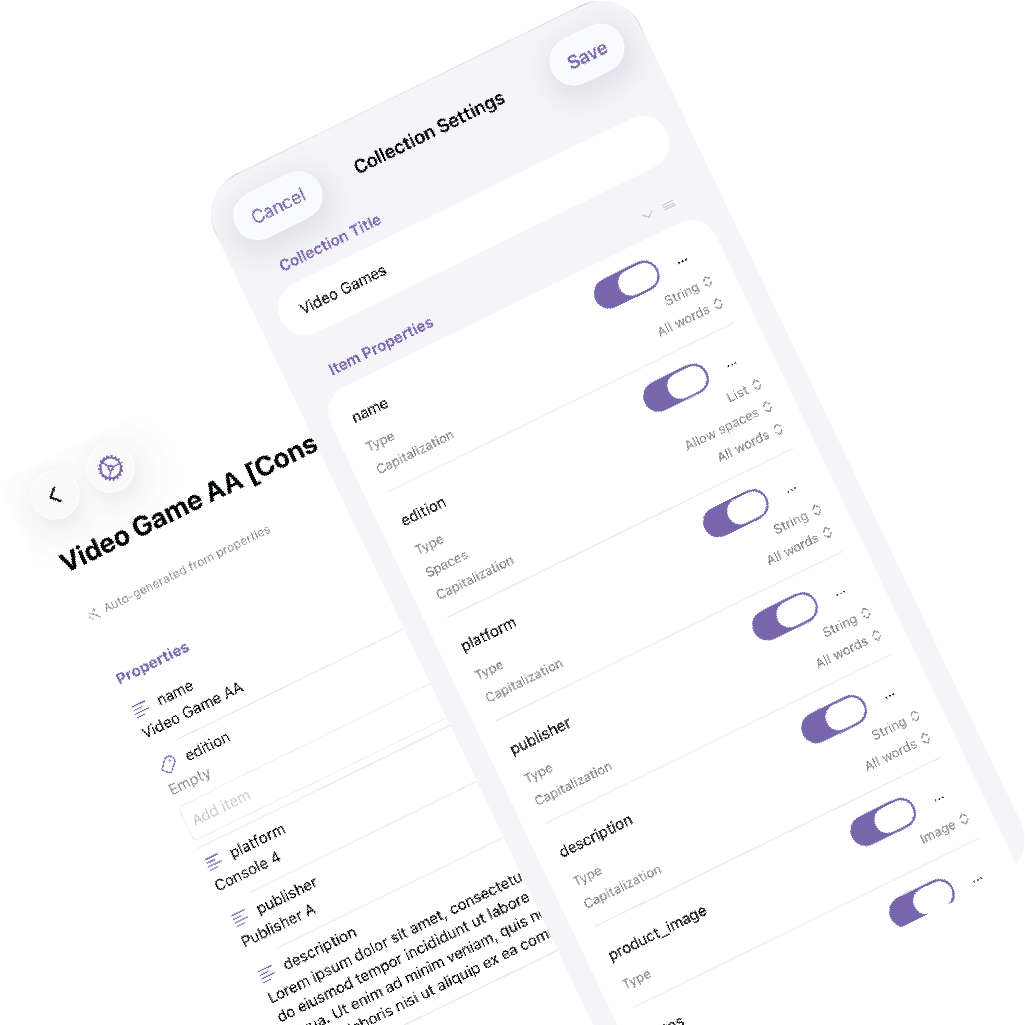
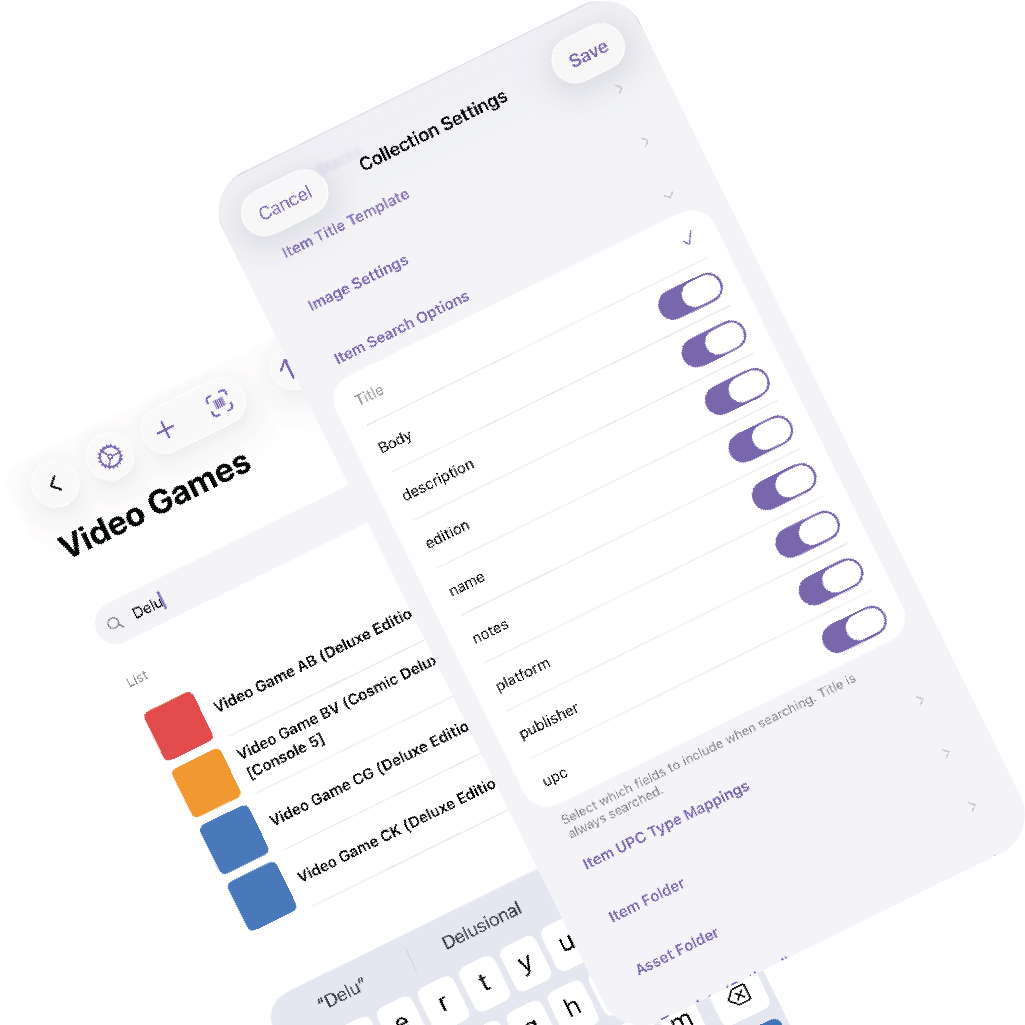
Your data is already in Markdown. Each item is a regular file with YAML frontmatter, so the collection stays readable outside the app from day one.
See how the files workMarkdown files. Barcode scanning. Collections you control.
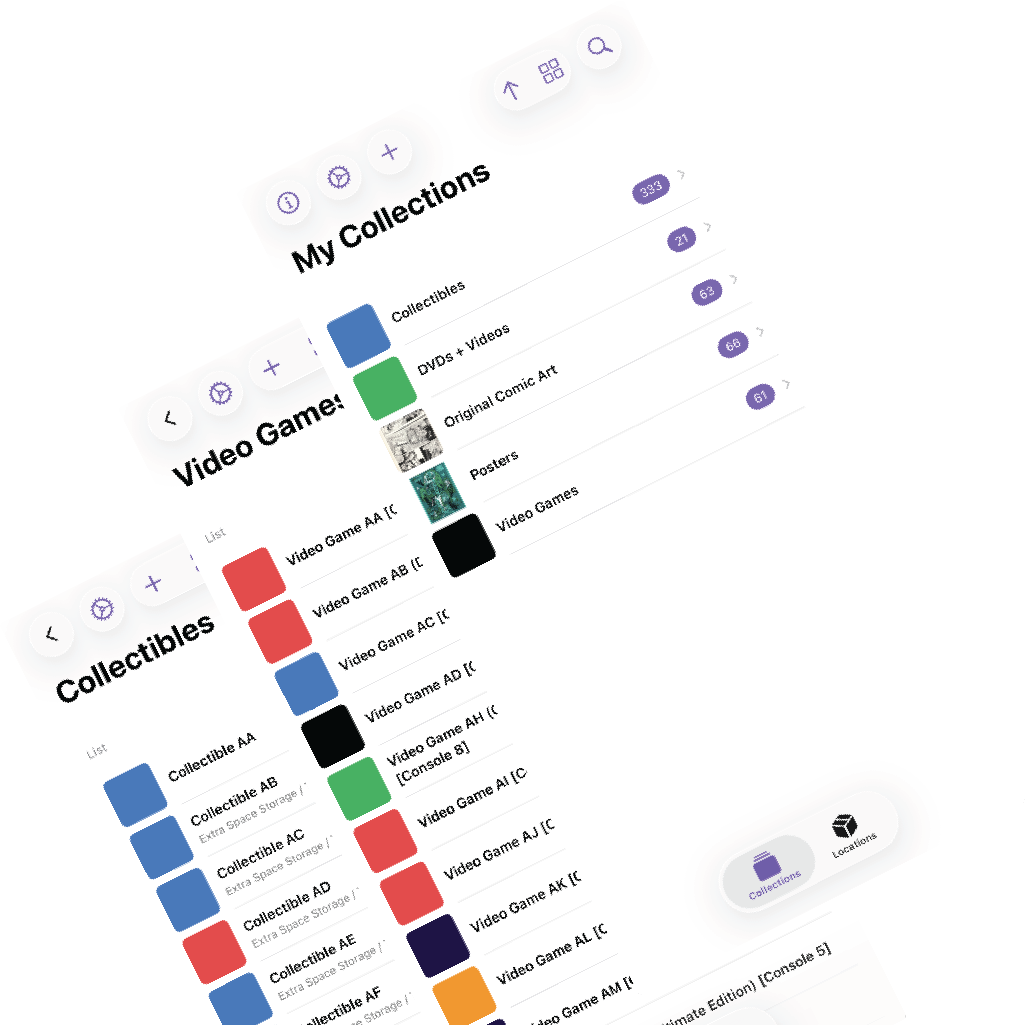
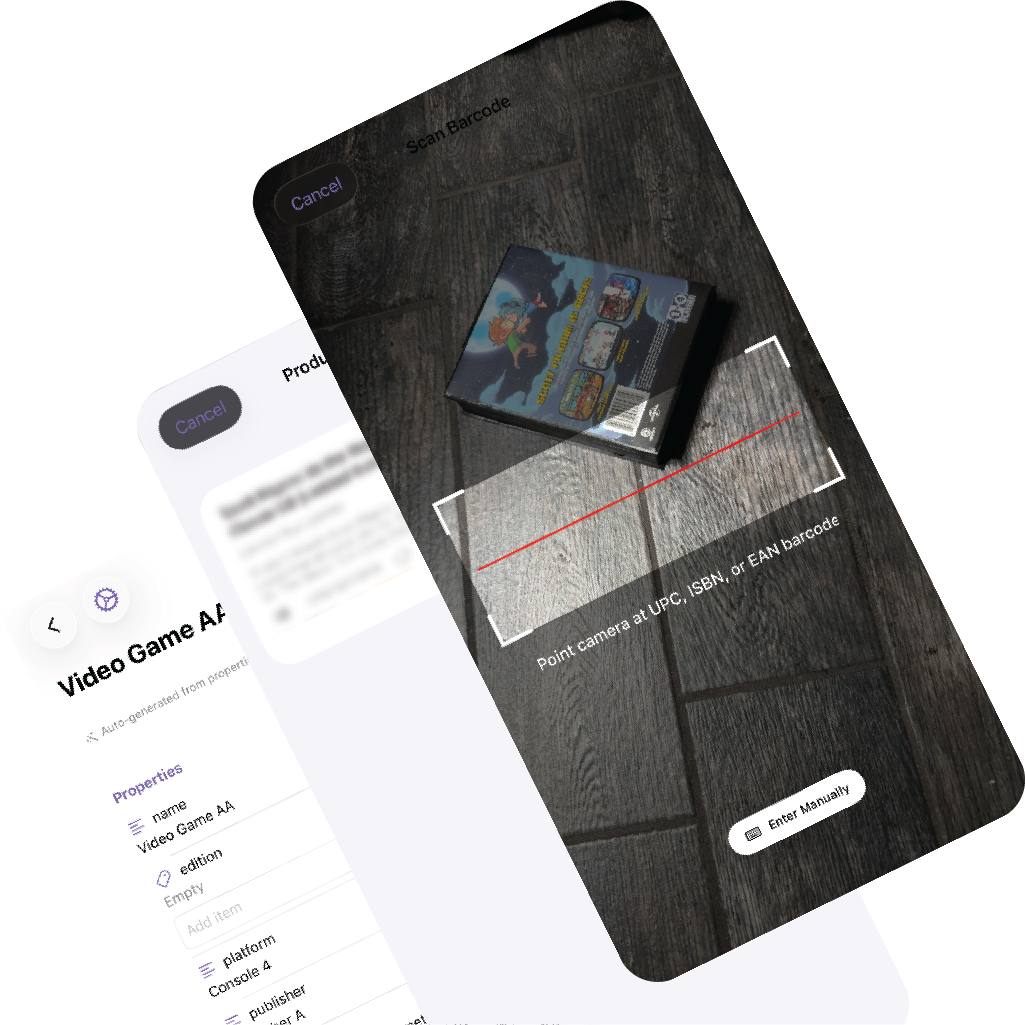
MDCollections helps you track physical items in plain Markdown files on your device. Scan barcodes, assign storage locations, print QR labels, and keep everything compatible with Obsidian and readable outside the app.
Best fit
Use MDCollections for games, books, tools, storage bins, hobby collections, and any item catalog where ownership, search, and physical location matter.
Built around real collection workflows
Most tools make you choose between flexibility and a purpose-built workflow. MDCollections is strongest when you want both.
Your data is already in Markdown. Each item is a regular file with YAML frontmatter, so the collection stays readable outside the app from day one.
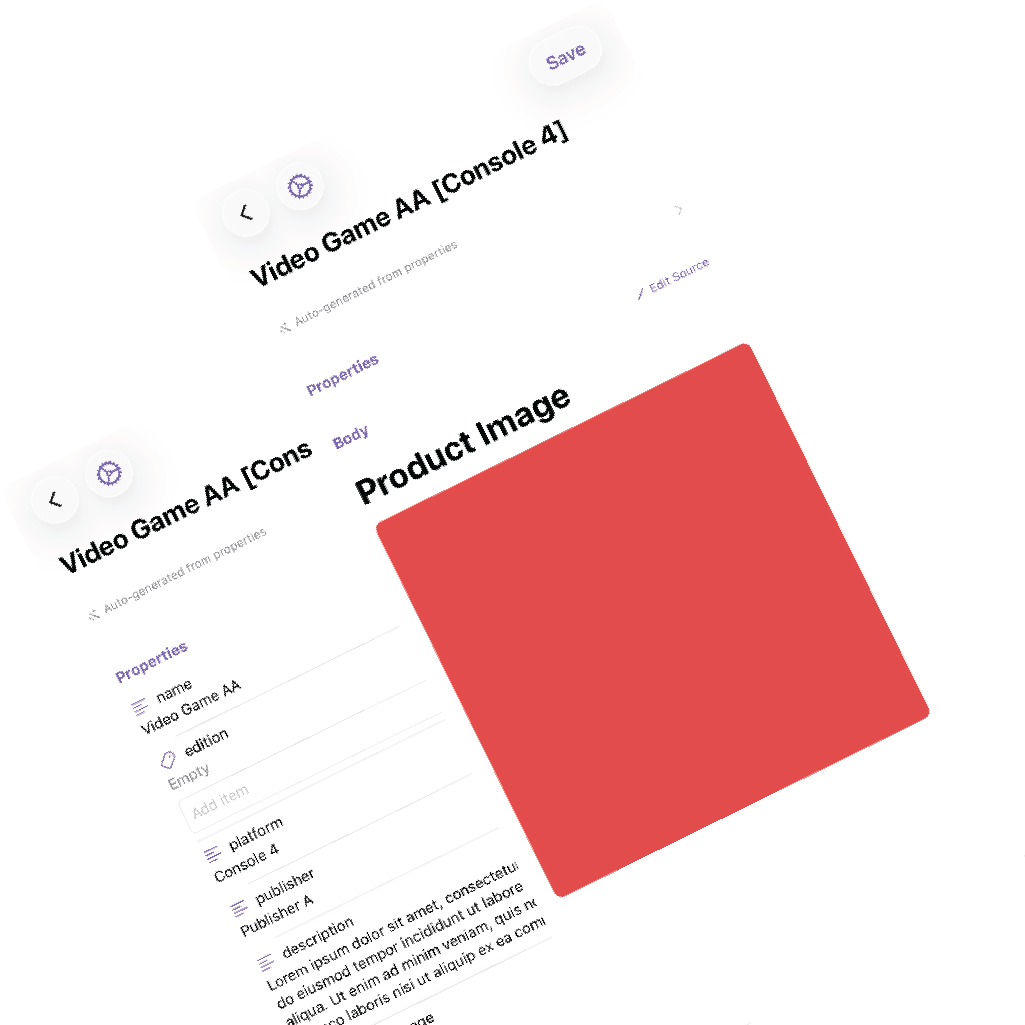
See how the files workBarcode scanning, product lookup, thumbnails, and templates cut out the repeated setup work that usually makes note-based collection systems tedious.
See barcode scanningTrack where items actually live, down to the bin or shelf, then print QR labels so finding something later is as fast as scanning a code.
See storage locationsChoose where the item files, images, and template should live so your collection stays in a normal folder structure you can browse and back up.
Use barcode lookup when it helps, then fill in only the fields your collection actually needs with custom properties and templates.
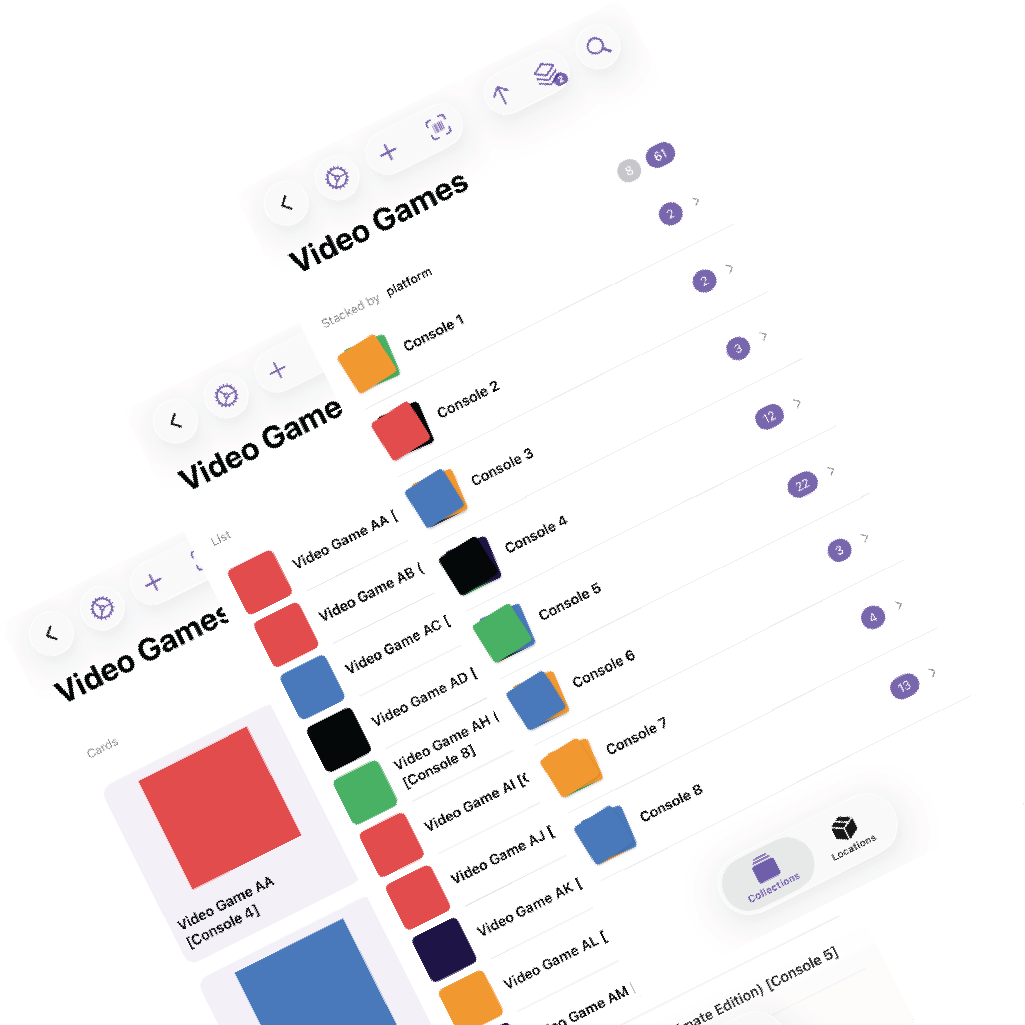
Group items, switch view modes, search across properties, and use location containers and QR labels when your catalog maps to physical storage.
These are the capabilities that separate MDCollections from a generic note workflow or a cloud-first database.
Use cases help answer the practical question: when is MDCollections better than simply keeping a folder of notes or a database table?
Use structured properties, cover thumbnails, barcode scanning, and title templates to catalog media and hobby collections quickly.
Read the video game use caseMove from scan to saved item with product lookup, images, and location assignment instead of copying data into hand-built note templates.
Read the barcode workflow use caseTrack what is in each shelf, box, or container, then scan a QR label later to see the contents without opening every bin.
Read the storage use caseIf you are deciding whether to keep working in plain Obsidian alone, add MDCollections to your Obsidian workflow, or move to a broader database tool, start with the comparison pages.
Best for people who want to keep Obsidian in the workflow, but add a purpose-built collection app for capture, images, and physical-item organization.
Read comparison →Best for people currently stitching together templates, frontmatter, and queries by hand for item catalogs and want a faster companion workflow.
Read comparison →Best for people deciding between a plain-text local collection workflow and a more collaborative cloud-first database.
Read comparison →Best for people who started with rows and columns but need item-level notes, images, scans, and physical storage tracking.
Read comparison →Best for people comparing a local Markdown workflow with a more polished cloud database and app-building platform.
Read comparison →Best for people choosing between a general household inventory tool and a more flexible Markdown-based collection system.
Read comparison →Use the guides for collection setup, barcode mapping, storage locations, and the operational details that belong in documentation.
You can, and for many people the best setup is actually Obsidian plus MDCollections. Obsidian stays great for notes, linking, and broader knowledge work, while MDCollections handles faster item capture, images, locations, and barcode workflows.
No. The collection is made of normal Markdown files with YAML frontmatter, stored in folders you choose. There is no export step needed to get your data back.
No. MDCollections is designed around custom properties and templates, so a game collection, tool inventory, and storage-bin catalog can all use different fields and layouts.
It is easier to attach images, scan barcodes, keep notes with each item, manage physical locations, and keep every item as a readable file instead of a row in a locked table.