View It Your Way
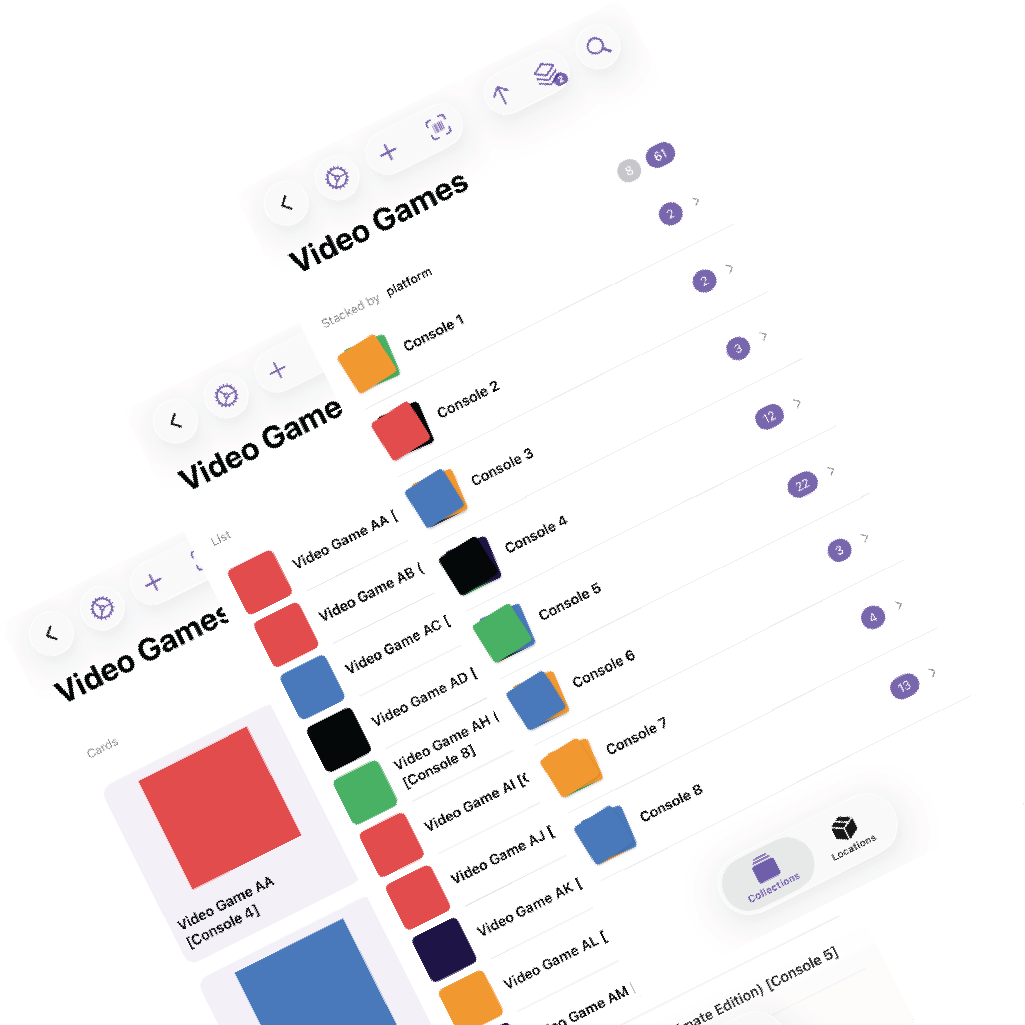
Your collection should not only store the right data. It should also look right for the way you browse it. MDCollections lets each collection behave more like its own tool instead of forcing every catalog into the same presentation.
Group by Any Property
Create stacks that group items by genre, decade, room, condition, platform, or any other property in the collection. Switch groupings instantly to see the same data from different angles.
Choose Your Thumbnails
Pick which image represents each item in grid and thumbnail views. Use the cover, the label, the front photo, or whichever image is most useful when scanning visually.
Make It Yours
Combine view modes, groupings, and sort orders to create a layout that fits the collection. A visual grid for records, a more detailed list for tools, and stacked groups for storage containers can all live inside the same app.
Why it matters
This is one of the main reasons MDCollections works well as an Obsidian companion. The underlying data can stay Markdown-friendly, while the browsing experience becomes much more collection-specific.